Table of Contents
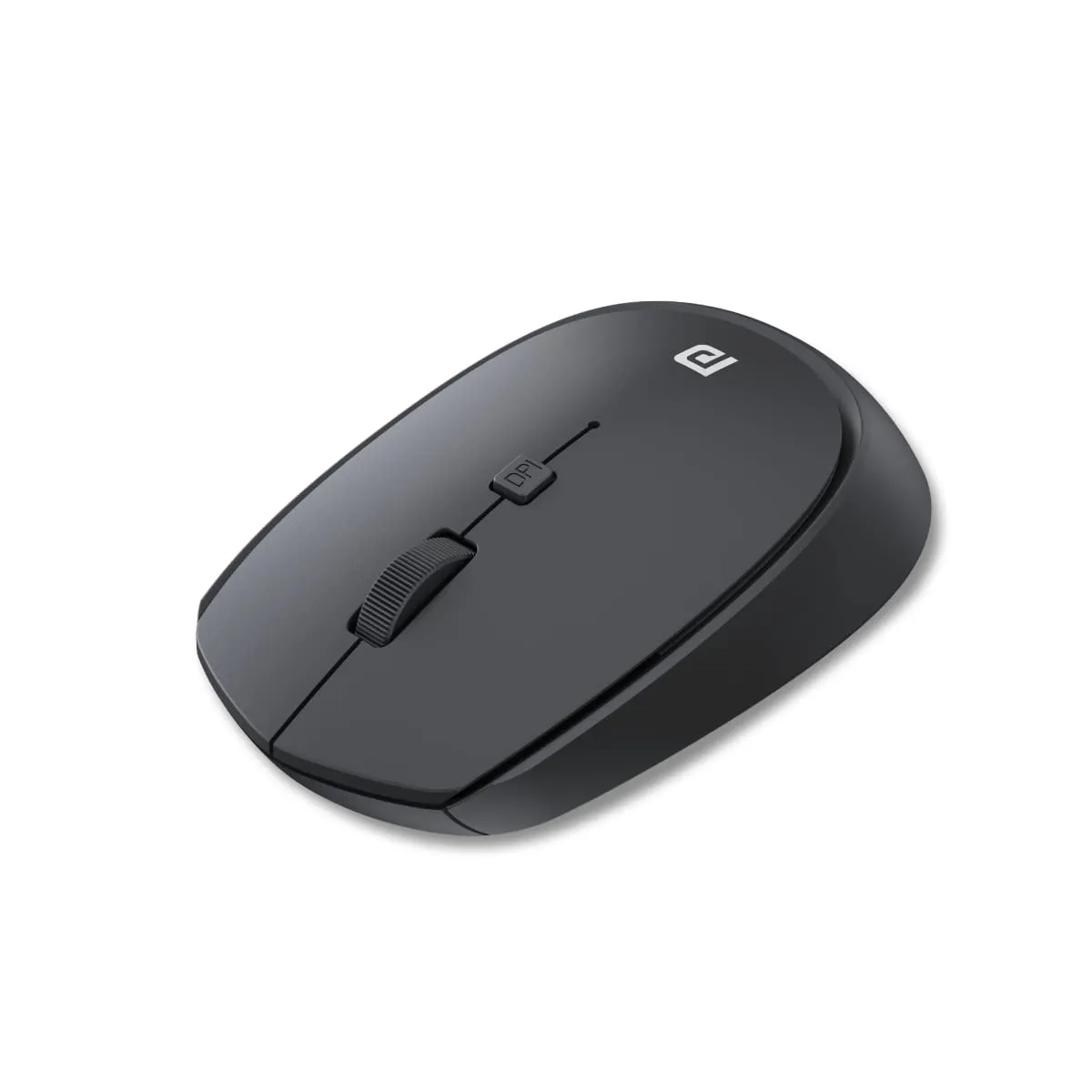
We have all been there—tangled in a mess of wires on our desk or struggling with a trackpad that just isn't cutting it during a long workday. Finding a reliable wireless mouse shouldn't require a massive investment, but at the same time, we need something that won't die after a week of use. Enter the Portronics Toad 23. At a price point that barely leaves a dent in your wallet, this device promises to simplify your workspace. When you first unbox it, you’ll notice it’s lightweight and utilitarian. It isn't trying to win any design awards, but it does exactly what it says on the tin: it connects wirelessly and gets you moving. If you are looking for a budget-friendly peripheral, this might just be the candidate for your next home office upgrade.
2. Who Should Buy This Product?
- The Budget-Conscious Student: If you need a functional mouse for assignments and browsing without spending much.
- The Frequent Traveler: Its compact size and plug-and-forget receiver make it ideal for laptop bags.
- The Office Minimalist: Anyone looking to declutter their desk by removing unnecessary cables.
- The Backup Planner: Perfect as a spare mouse to keep in your drawer just in case your primary one fails.
3. Key Features & In-Depth Analysis
- ✅ Wireless Freedom: The 2.4GHz connection is snappy. Most users report that the setup is truly "plug and play," requiring no extra drivers to get up and running on Windows or macOS.
- ✅ Ergonomic Ambidextrous Design: Whether you are left or right-handed, the shape is neutral enough to be comfortable for standard grip types.
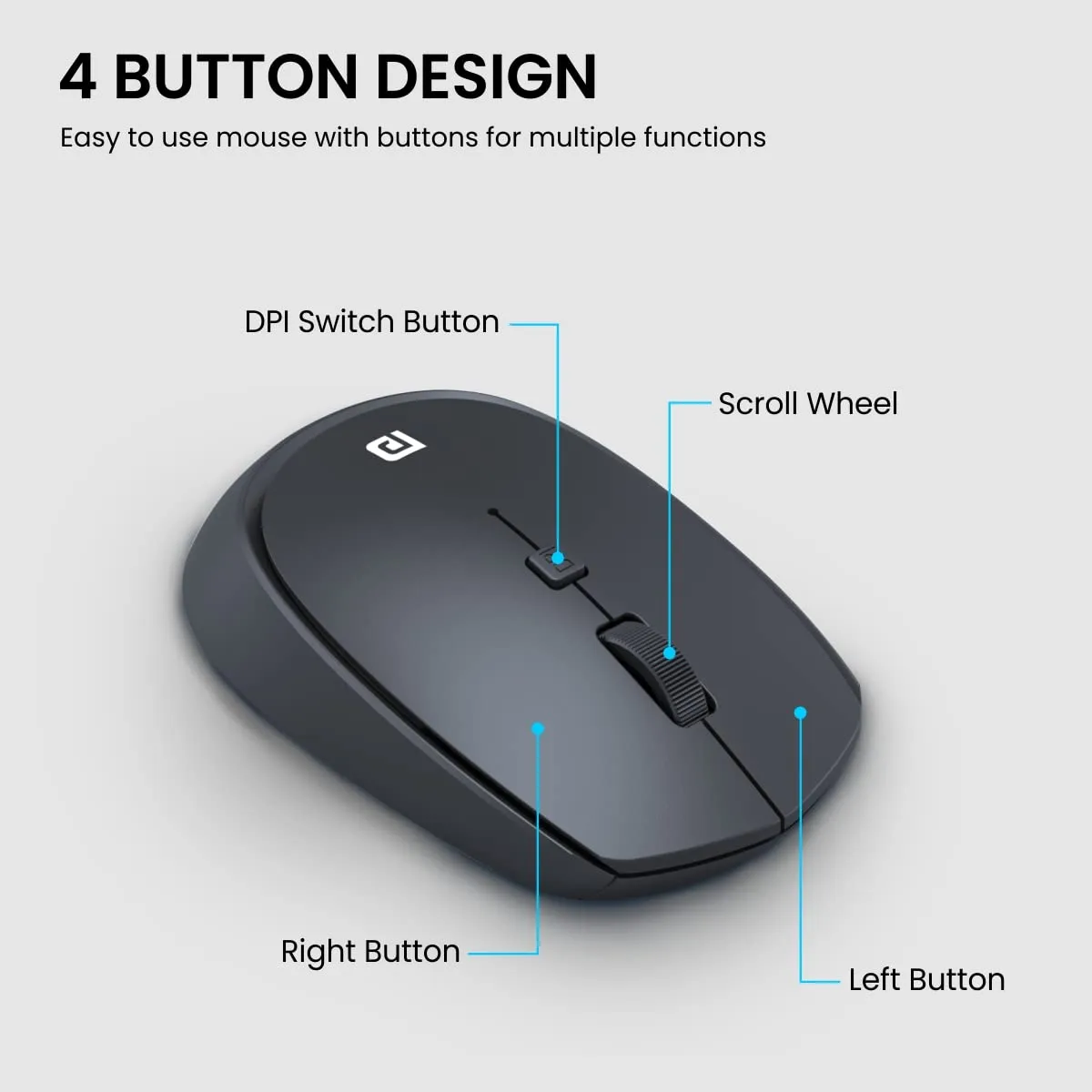
- ✅ Adjustable DPI: You can tweak the sensitivity, which is a surprisingly useful feature for a mouse at this price point, allowing for better precision depending on your monitor size.
- ✅ Durability Claims: Rated for over 30 lakhs clicks, this is built for longevity. While it feels plastic-heavy, the internal switches seem to hold up well for general office tasks.

4. The Reality Check (Drawbacks)
Let’s be honest: you get what you pay for. While many users love the price, the build quality is clearly budget-oriented. Some users have reported that the mouse can feel a bit "hollow" or plasticky in the hand. A common frustration is the scrolling mechanism; while it works for basic pages, some users find it lacks the tactile precision of more expensive brands. Most importantly, if you experience erratic cursor movement, don't immediately assume the mouse is broken. Several users pointed out that the included battery may arrive weak or defective. Before tossing it, swap in a fresh, high-quality battery—it often solves the connection issues instantly.
5. Maintenance Tips for Longevity
- Keep the Sensor Clean: Dust buildup on the optical sensor is the #1 cause of "erratic tracking." A quick blast of compressed air every few months helps.
- Use Quality Batteries: Avoid cheap, leaking batteries. A high-quality alkaline battery will not only last longer but will also prevent internal terminal corrosion.
- Store Properly: When traveling, don't just throw it into a crowded bag where the click buttons might be held down under pressure. Use a small pouch.
6. Amazon Customer Ratings
| Rating | Percentage |
|---|---|
| 5 Star | 55% |
| 4 Star | 22% |
| 3 Star | 9% |
| 2 Star | 3% |
| 1 Star | 11% |
7. Latest Price & Deals on Amazon
8. TrendFollower Verdict
📊 Final Score & Recommendation
- Build & Design: 3/5
- Utility/Performance: 4/5
- Value for Money: 5/5
- Overall TrendFollower Rating: ⭐⭐⭐⭐ (4/5)
- Why we recommend it: It is an incredibly affordable, no-nonsense wireless mouse that gets the job done for students and office workers alike.
- What to keep in mind: The build feels lightweight and basic; always keep a spare battery handy to avoid frustration with performance.
Comments
Post a Comment