⌨️ Is the Portronics Bubble 3.0 Worth Your Desk Space?
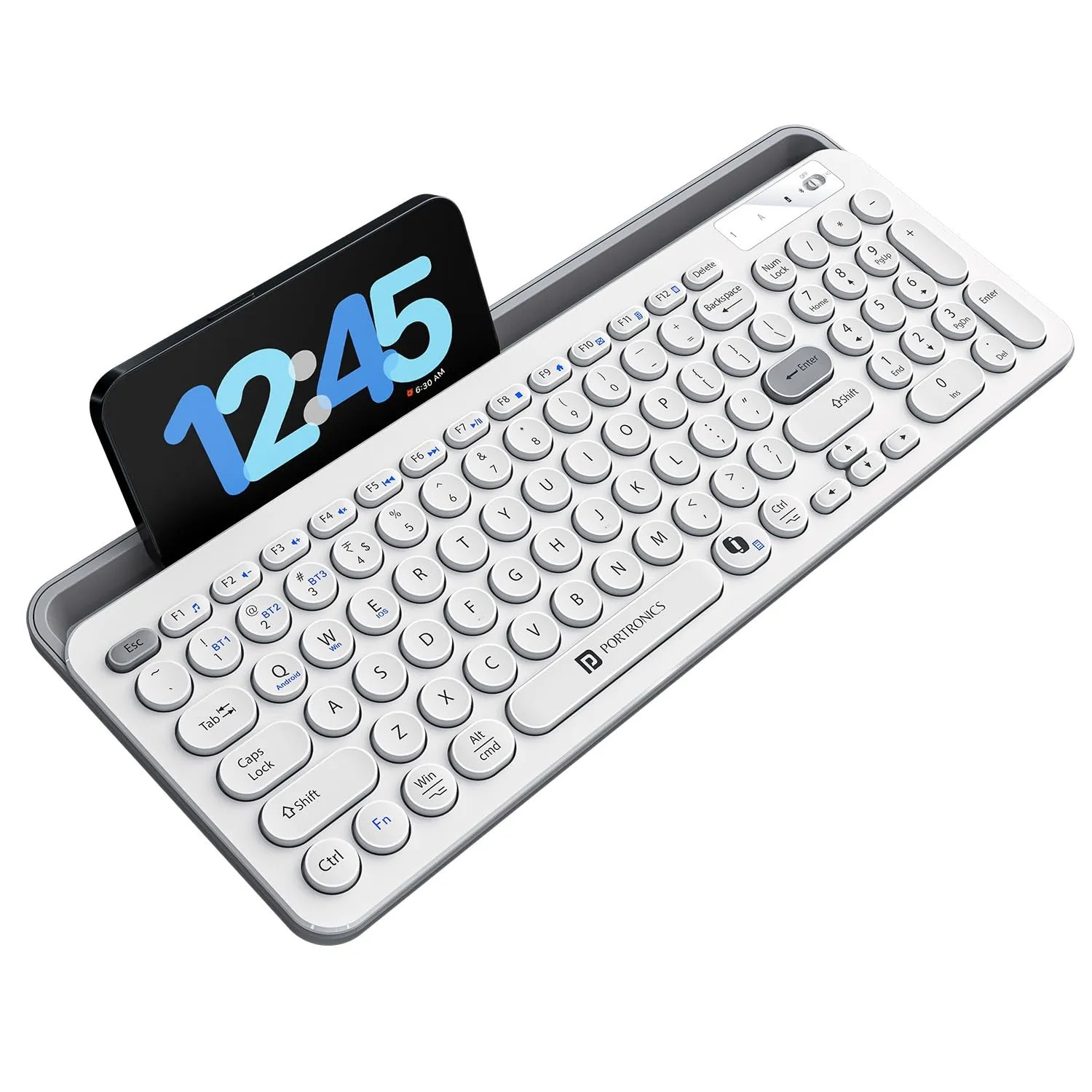
If you’re juggling multiple devices throughout the workday, you know the struggle of constantly switching between your phone, tablet, and laptop. The Portronics Bubble 3.0 Wireless Keyboard aims to solve this by offering a compact, multi-device setup that promises to keep your workspace clutter-free. Whether you are a student or a professional, finding a reliable typing companion that doesn't cost a fortune is a challenge. I’ve been digging into the features and real-world feedback to see if this wireless keyboard actually lives up to the hype or if it’s just another piece of desk plastic.
Features and Performance
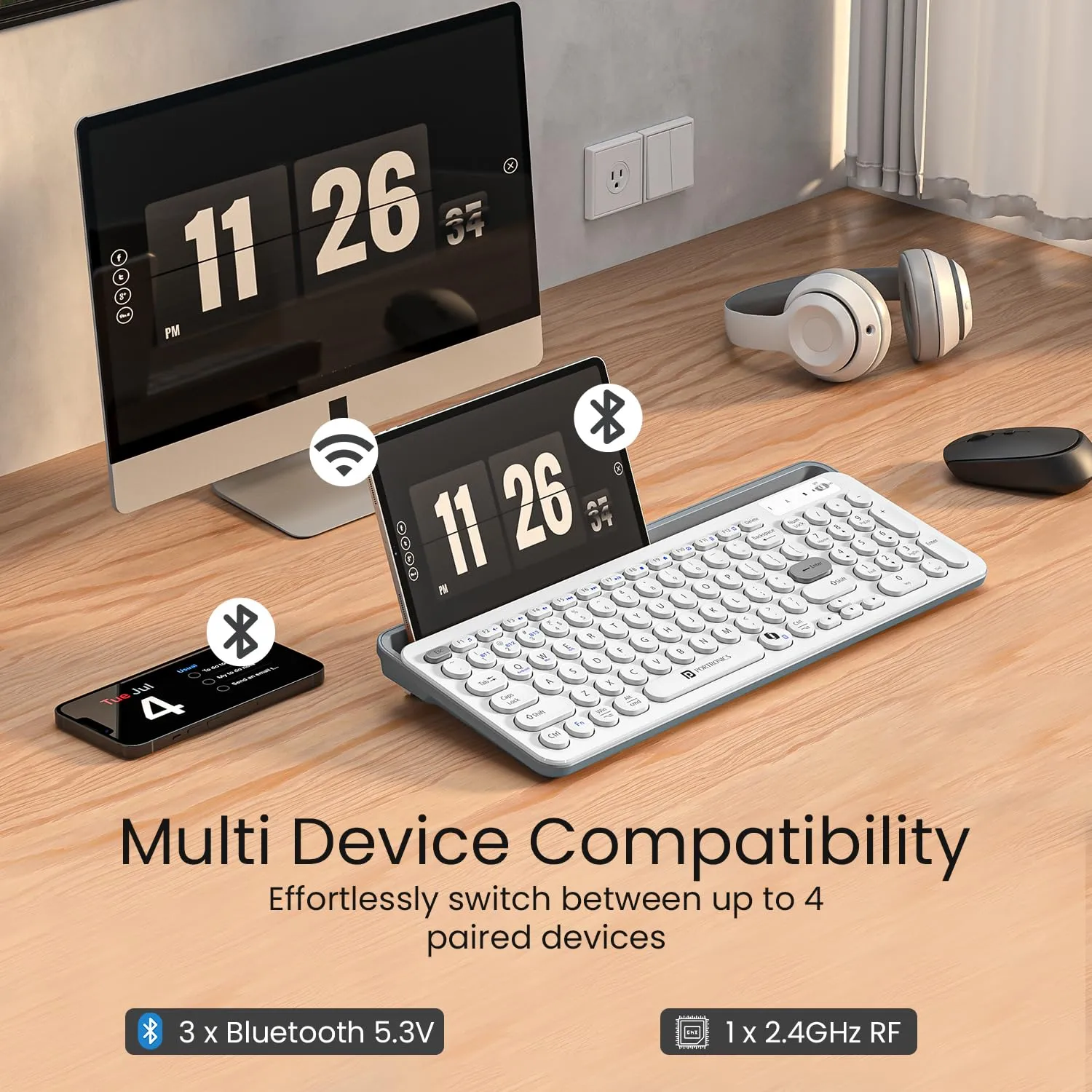
The standout feature here is undoubtedly the multi-device connectivity. You can toggle between three devices using Bluetooth 5.3 or the 2.4GHz USB receiver. Most users report that the connection is stable, though pairing can occasionally take a moment. The inclusion of an integrated numpad is a massive win for spreadsheet warriors, especially in a compact form factor.
Typing feel is subjective, but user consensus points toward a soft, relatively quiet experience. If you’re a fan of high-tactile mechanical switches, you might find the travel a bit shallow. However, for daily office tasks and casual typing, it’s comfortable enough. The addition of Microsoft Copilot integration is a modern touch, allowing for quick AI-assisted commands, which is a rare find in this price bracket. The Type-C charging is another practical feature—no more hunting for AA batteries when you’re in the middle of a project.
The Reality Check
Let’s be honest: no budget peripheral is perfect. While the Portronics Bubble 3.0 is a solid performer, there are some quirks you should be aware of:
- Navigation Key Size: Several users have pointed out that the arrow keys, as well as the Escape and Delete keys, are quite small. If you rely heavily on these for navigation, it will take some time to build muscle memory without hitting the wrong button.
- Weight vs. Portability: The marketing calls it "slim and portable," but reviews suggest it has some heft. While the weight helps it stay planted on the desk, it might not be the best choice if you are looking for an ultra-lightweight keyboard to toss in a small bag for travel.
- Lack of Backlighting: If you work in dim environments, be aware that there is no keyboard light. This is a common omission in budget boards, but it’s worth noting for night owls.
- Tactile Feedback: Some users found the key travel to be a bit "mushy." If you prefer a crisp, clicky typing experience, this might feel a bit underwhelming compared to more expensive alternatives.
Amazon Customer Ratings Distribution
| Rating | Percentage |
|---|---|
| 5 Star | 64% |
| 4 Star | 19% |
| 3 Star | 6% |
| 2 Star | 3% |
| 1 Star | 8% |
📊 TrendFollower Verdict
- Build & Design: 4/5
- Utility/Performance: 4.5/5
- Value for Money: 4.5/5
- Overall Score: ⭐⭐⭐⭐☆ (4.3/5)
- Why stars were awarded: The keyboard offers excellent versatility with its multi-device switching and impressive battery life, which users frequently praise.
- Why stars were deducted: Points were docked due to the cramped navigation keys and the lack of backlighting, which can hinder productivity in low-light conditions.
Comments
Post a Comment