Finding the perfect gaming mouse can be a challenge, especially when you're trying to balance quality with affordability. The Logitech G102 Light Sync Gaming Mouse promises to deliver a top-notch gaming experience with its customizable RGB lighting, 6 programmable buttons, and an 8,000 DPI gaming-grade sensor—all at an attractive price point of ₹1,195. But does it live up to the hype? Let’s dive into its features, customer feedback, and potential drawbacks to find out.
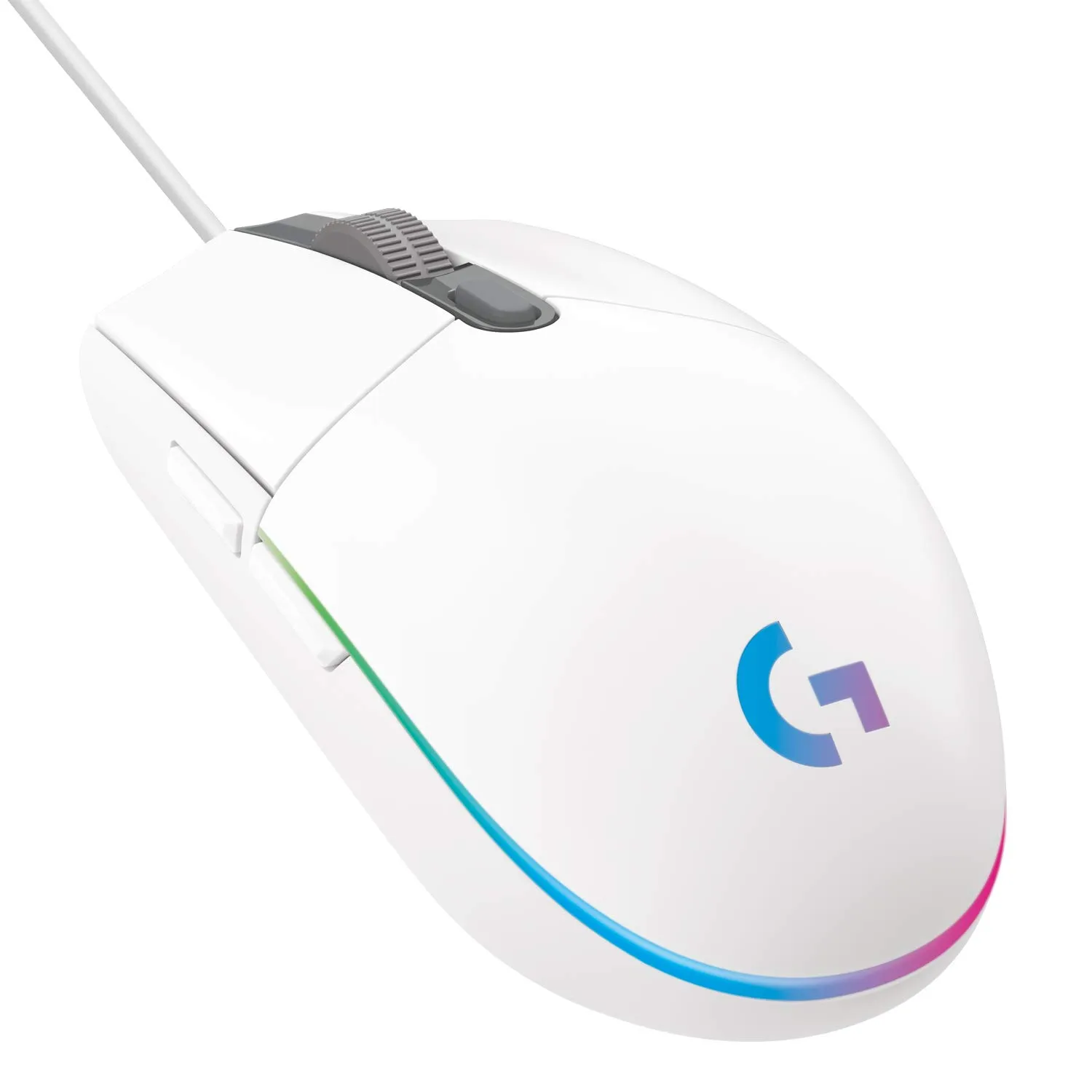
The Logitech G102 Light Sync Gaming Mouse packs some impressive features for its price range. With an 8,000 DPI gaming-grade sensor, it offers precise tracking, which is crucial for gamers who need accuracy during intense gameplay. Many users have praised its performance, with one saying, “There is no input delay or lag; the mouse works smoothly.” Another user highlighted how the sensor performed reliably throughout their three years of use, making it an excellent choice for both casual and competitive gaming.
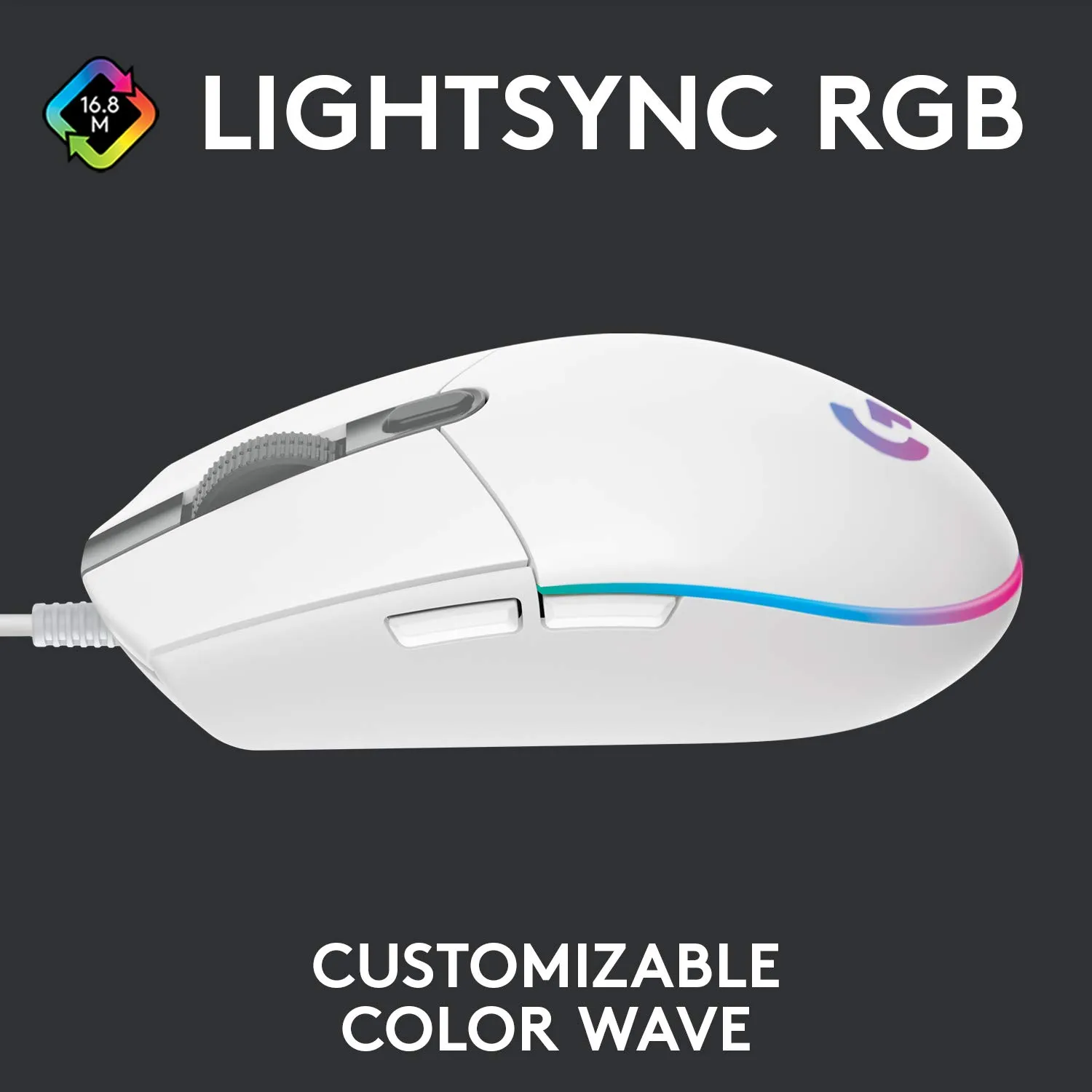
The LIGHTSYNC RGB lighting is another standout feature, offering vibrant color wave effects that are fully customizable via the Logitech G HUB software. With ~16.8 million colors to choose from, you can personalize your setup to match your gaming rig or your mood. Several users noted that the RGB lighting felt premium, with one reviewer calling it “flashy & interesting.”
The ergonomic design of the mouse is described as comfortable and suitable for long gaming sessions. Its classic 6-button layout is intuitive, and the buttons are mechanical with durable metal springs, providing a satisfying click and reliable performance. One reviewer noted, “The build quality is solid for its price range, and the size feels just right—not too large and not too small.” However, they also pointed out that the mouse might not be the best fit for users with larger hands.
Customization is another strong point for this mouse. Using the Logitech G HUB software, you can reassign the buttons, adjust DPI settings, and even create custom color profiles. The software has been widely praised by users for its ease of use and flexibility. As one satisfied customer put it, “The software has a lot of options once you install it on the system.”
The Reality Check
No product is perfect, and the Logitech G102 is no exception. While it has received a lot of praise, some users reported experiencing issues with the mouse over time. For instance, one long-term user mentioned encountering a double-click issue after three years of regular use. While this lifespan is still commendable for a budget gaming mouse, it’s something to keep in mind.
Another common complaint is regarding the wire. While the mouse does come with a durable cable, a couple of users reported that it was either too long or prone to damage. One reviewer noted that the wire is “small and easy to cut,” leading to connectivity issues if not handled carefully. Moreover, one user reported the mouse disconnecting mid-game, which could be a dealbreaker for competitive gamers.
Lastly, the size of the mouse might not be ideal for everyone. A few users with larger hands found the mouse uncomfortable to use for extended periods. If this might be a concern for you, it’s worth considering before making a purchase.
Amazon Customer Ratings Distribution
| Rating | Percentage |
|---|---|
| 5 Stars | 68% |
| 4 Stars | 19% |
| 3 Stars | 6% |
| 2 Stars | 2% |
| 1 Star | 5% |
📊 TrendFollower Verdict
- Build & Design: 4/5
- Utility/Performance: 4.5/5
- Value for Money: 4.5/5
- Overall Score: ⭐⭐⭐⭐☆ (4.4/5)
- Why stars were awarded: The mouse offers excellent RGB customization, a highly accurate sensor, and great software support at an affordable price.
- Why stars were deducted: Some users reported issues with the wire and potential durability concerns after extended use.
Comments
Post a Comment